Instrument Loop Drawings
TThis app provides a template that can be used for generating loop drawings using Excel. It uses a drawing template and a macro to produce loop drawings in the Portable Document Format (PDF) from a database of loop data. The data has details of a set of analog instruments in a plant connected to a PLC. The data and the drawing templates can be modified for different scenarios.
Download
Loop_Drawings.xlsmHow to use
The file has 2 sheets name 'Data' and 'Drawing'. The Data sheet consists of a table containing the loop details and the Drawing Sheet contrains a template for the loop drawing. Clicking the Generate Drawings button on the data sheet will run a macro that will generate one drawing for each loop in PDF format. The drawings are saved in the same folder that the Excel file resides in, with the loop name as the file name. If the macro is run again, existing files will get overwritten.
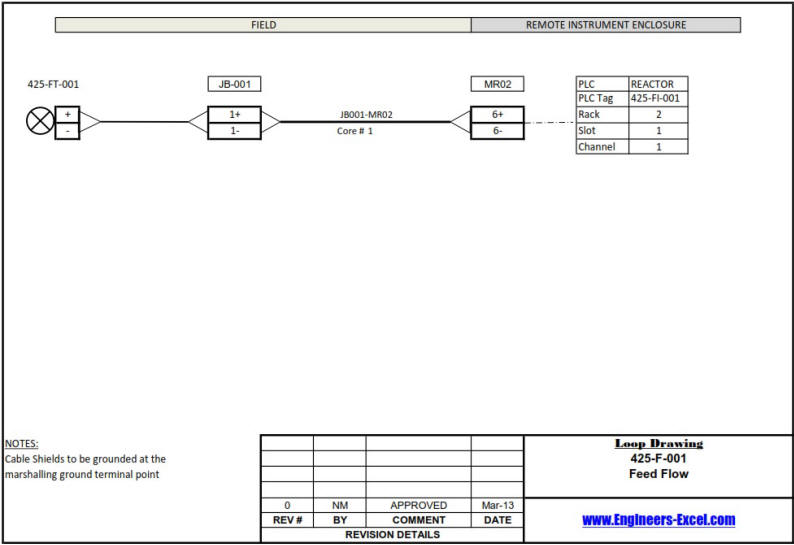
The loop configuration is as follows: The field instruments are wired to a junction box. A multicore cable connects the junction box to a marshalling strip in the Remote Instrument Enclosure (RIE). Single wires run from the marshalling strip to the IO cards of the PLC to complete the loop.
A sample loop drawing is shown below.
Also See
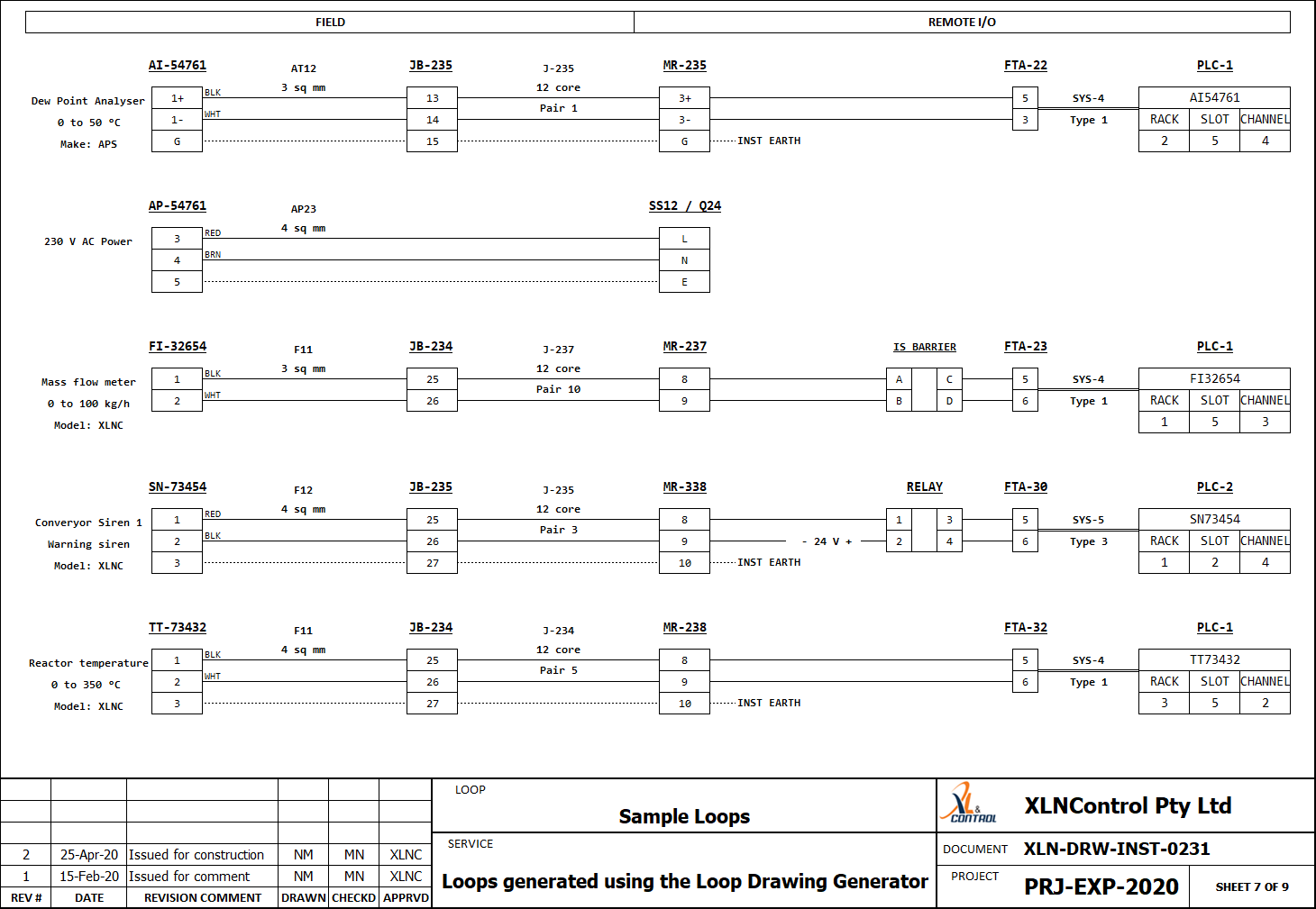
For users who require more complex loop drawings, an advanced version of this app is available at the business site. A sample drawing from this app is shown below